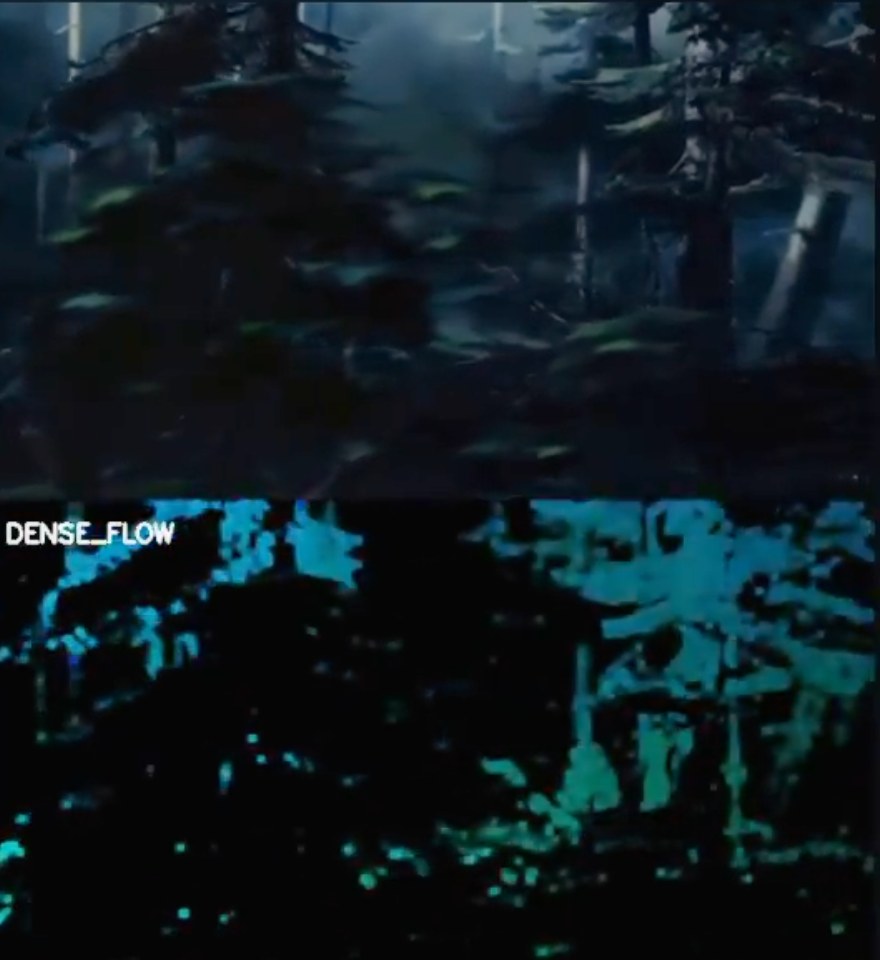
Disney’s Multiplane Camera is a marvelous tool used to give the illusion of depth, as seen in the opening forest shot of Bambi. Here, I’m using optical flow to “reverse engineer the performance” of the Multiplane Camera for this shot, and aim to be able to do so for any shot it was used in, using other computational techniques as well.
Synthetic data
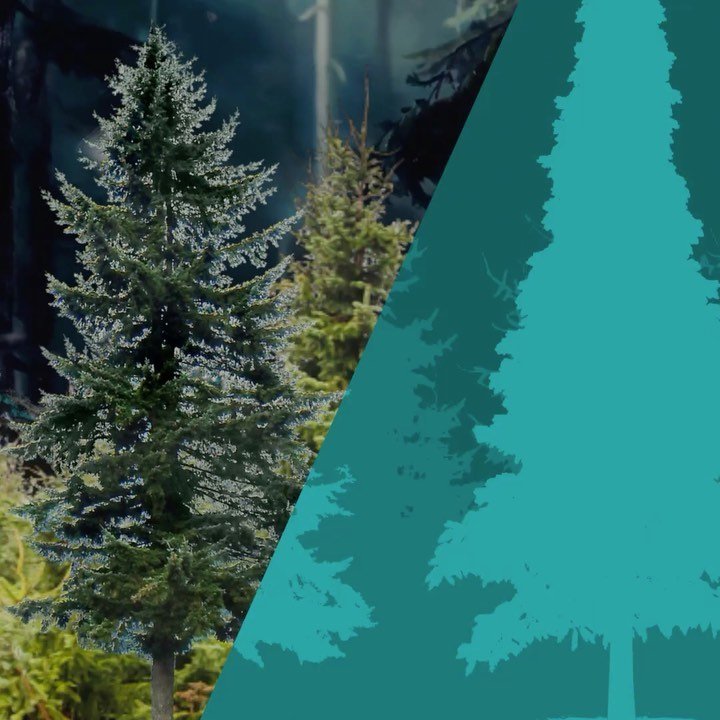
A synthetic multiplane-camera shot: a composite of the final image, and the “ground-truth” pixel-wise vector motion image, where color represents direction and brightness represents speed (things in front move faster, things in back slower).
Synthetic data, when created and used correctly, can be very useful. At the very least it allows you to have varied data to test your algorithms and provides an objective metric; at best you can use it to train machine learning models that can be applied to real data. I’m optimistic it can work here, as the multiplane camera is itself a synthetic illusion.
Reconstructing the camera
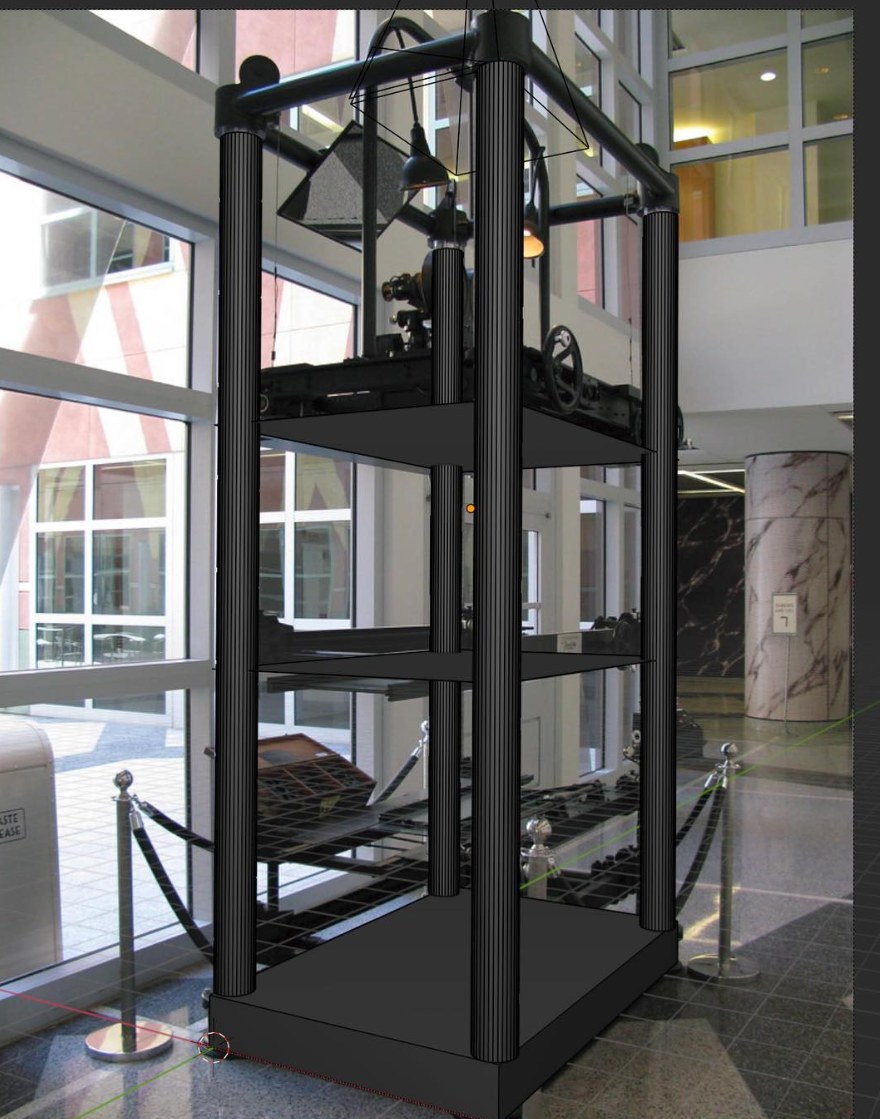
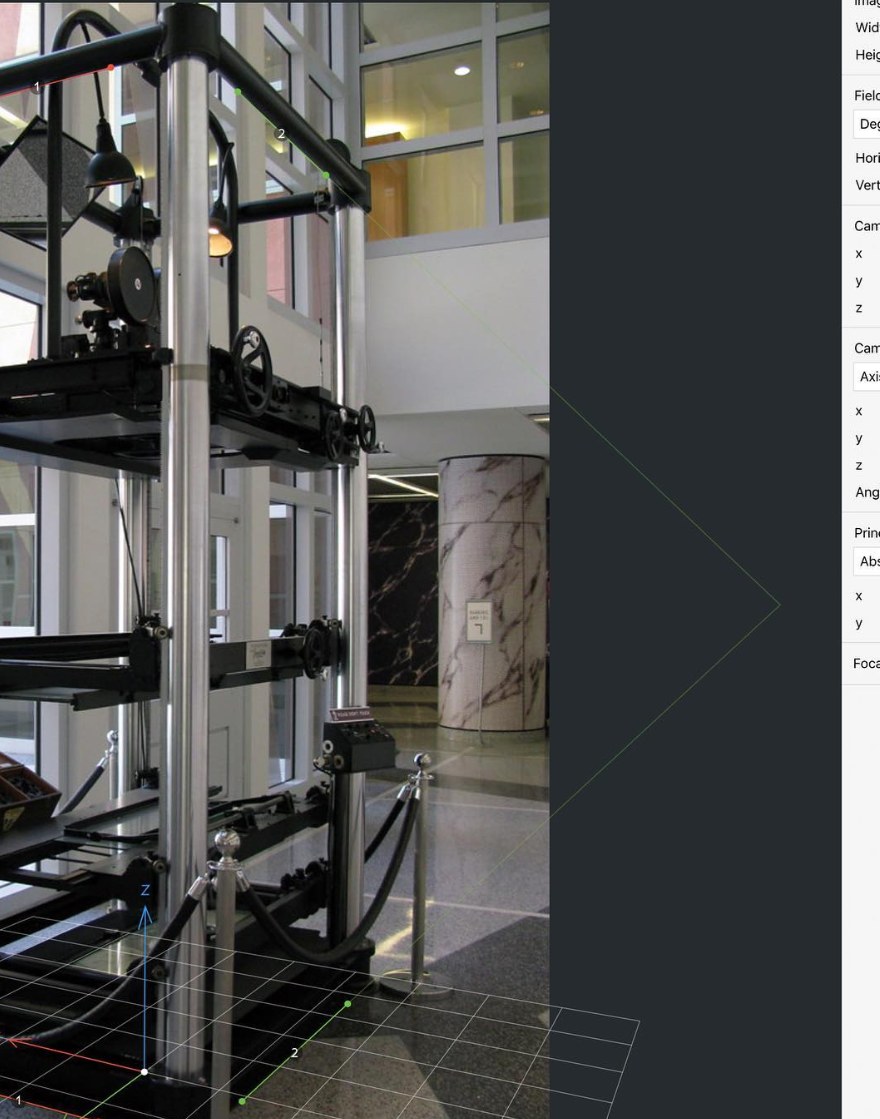
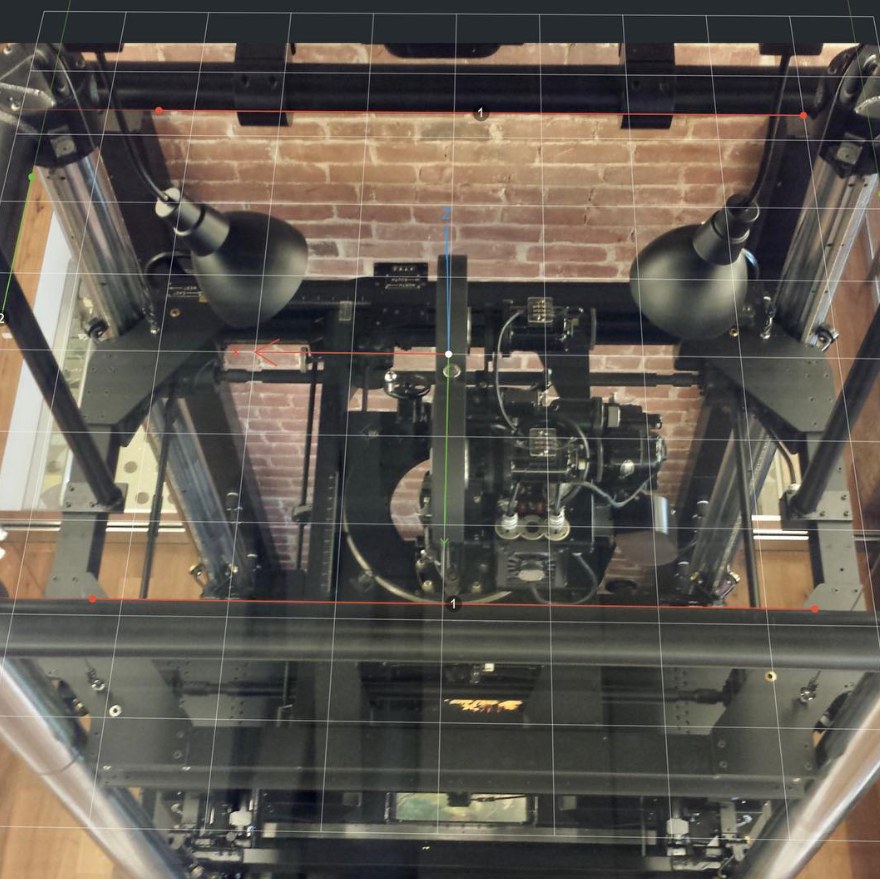
I’m roughly reconstructing the multiplane camera in 3D with at least plausible dimensions, since there are so many vague and conflicting accounts of the size of these things. I want my synthetic data to correspond to plausible real-world configurations of the machine, so that models making inferences from the pixel-wise data also have corresponding real-world positional data to map their results onto.
Plus, you know, it’s fun.
On Instagram: optical flow on Bambi, synthetic data, reconstructing the camera, notes on analyzing hand-drawn animated fire.